

GirlyMaps
The girly map app for iPhone and CarPlay
GirlyMaps turns your map pink: dreamy map themes, cute 3D icons for every café and nail salon, turn-by-turn directions from a voice with personality, and cute widgets for CarPlay.


Free to download · iPhone with iOS 18 or later
The map
Girly maps in real life
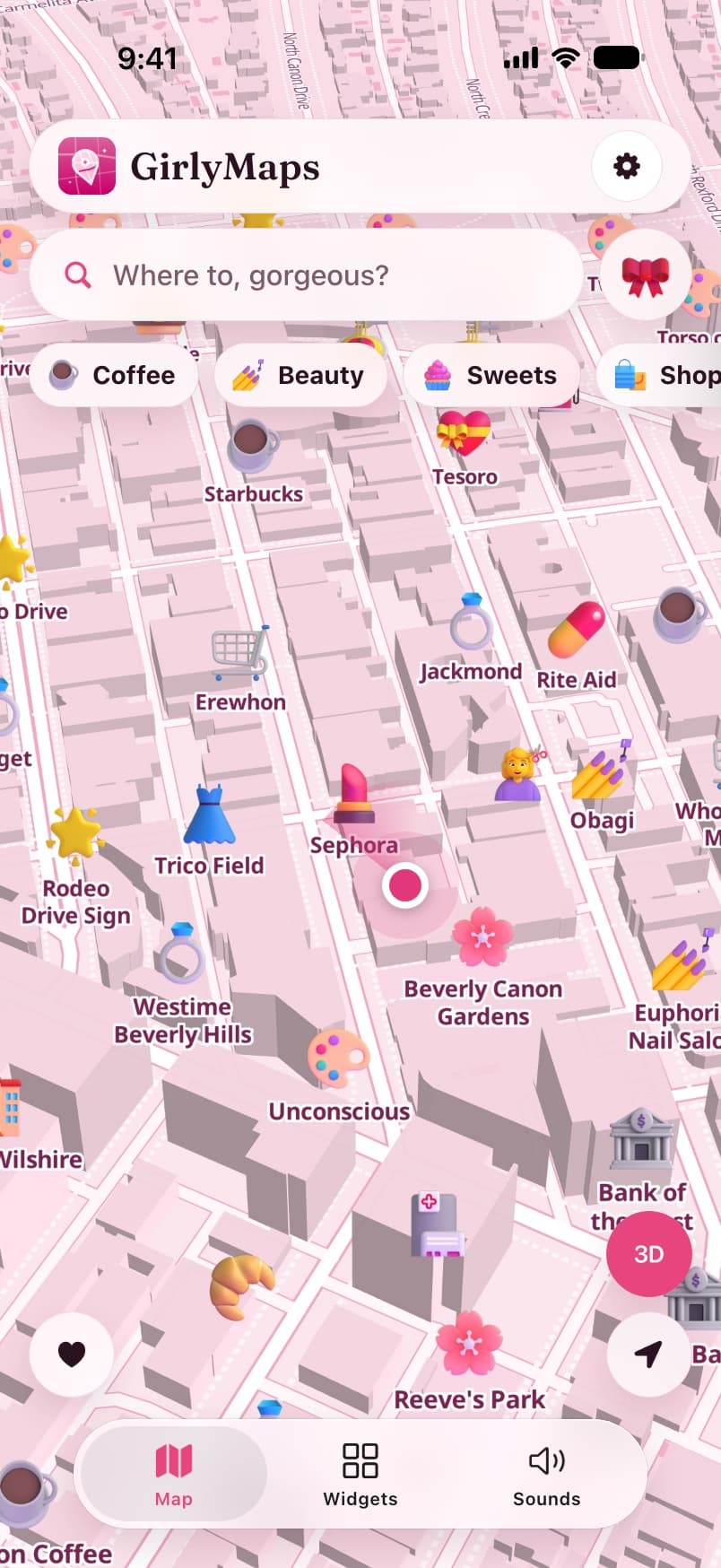
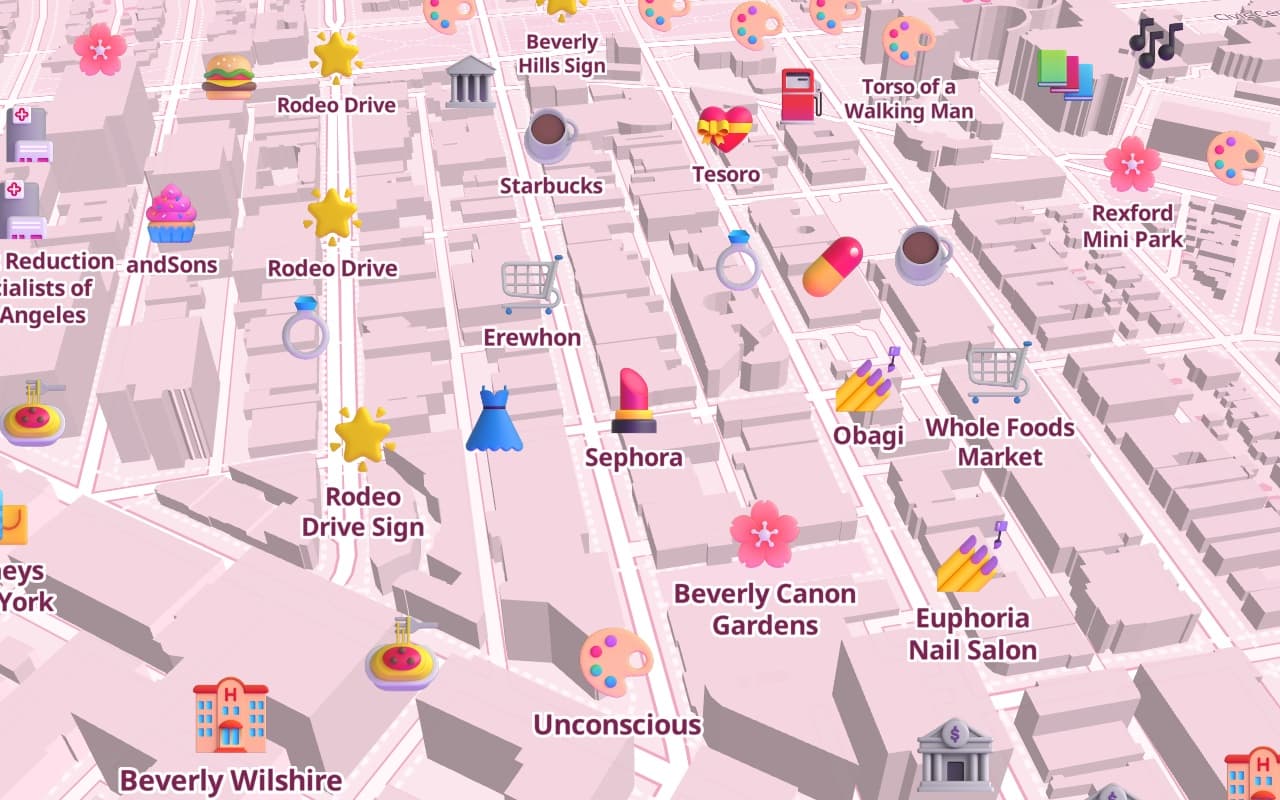
Your city, redrawn in pastel. Real streets, real places and 3D buildings — with a cute icon for every café, nail salon, boutique, bakery and flower shop.
 Coffee
 Beauty
 Sweets
 Shopping
 Fitness
 Food
Food Drinks
 Flowers
 Culture
 Essentials
Cute 3D icons for real places
Cafés get a latte, nail salons get a pink polish bottle, boutiques get a dress. Every place on the map is a little sticker instead of a grey dot.
“Show me…” in one tap
Only coffee, only beauty, only shopping. The chips above the map hide everything else, so the street you are looking at is just the places you care about.
3D buildings, in pastel
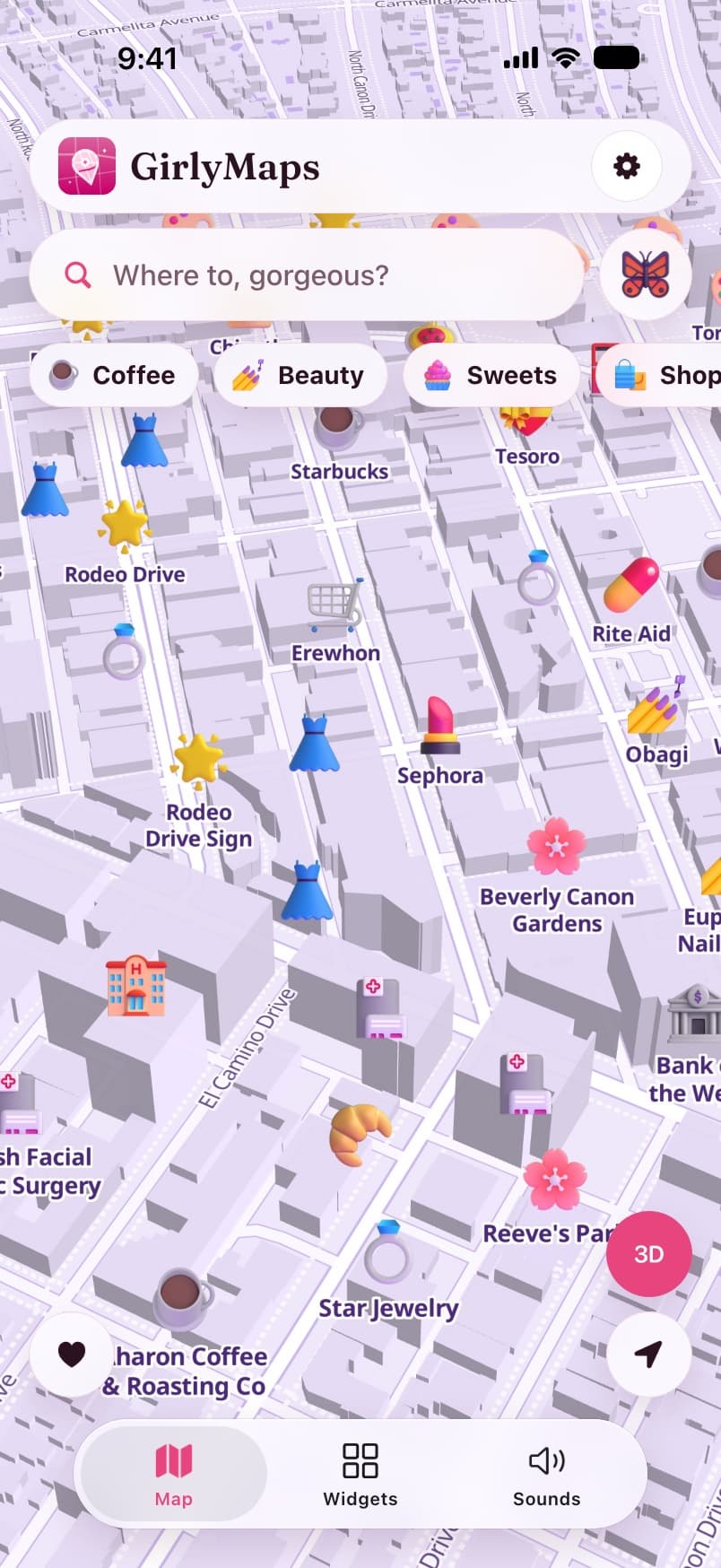
Tilt the map and the city stands up in soft pinks and lilacs. Search any place or address, and save Home, Work and favorites for one-tap trips.
Map themes
10 dreamy map themes
Every colour on the map comes from the theme: land, parks, water, roads, buildings and labels. Switch looks whenever your mood does — the route line and buttons follow along.
 Free
FreePink Princess  Free
FreeLavender Dream 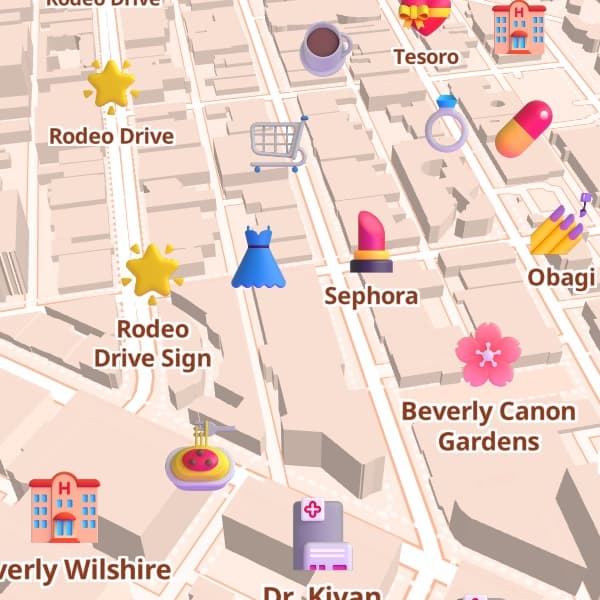
Peach Sorbet 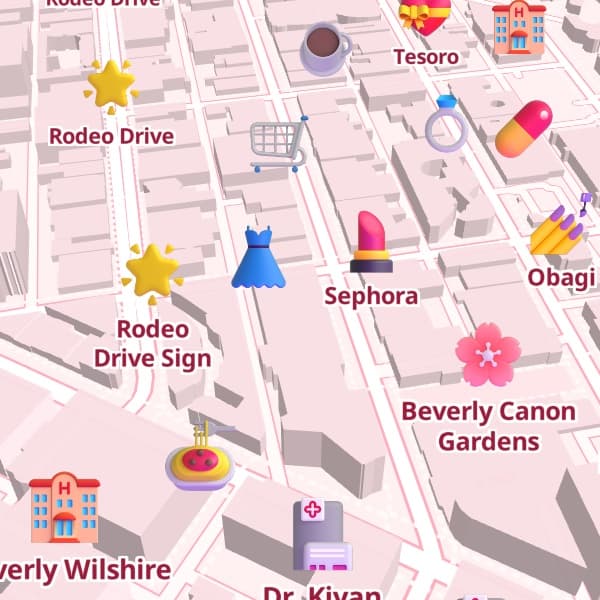
Strawberry Milk 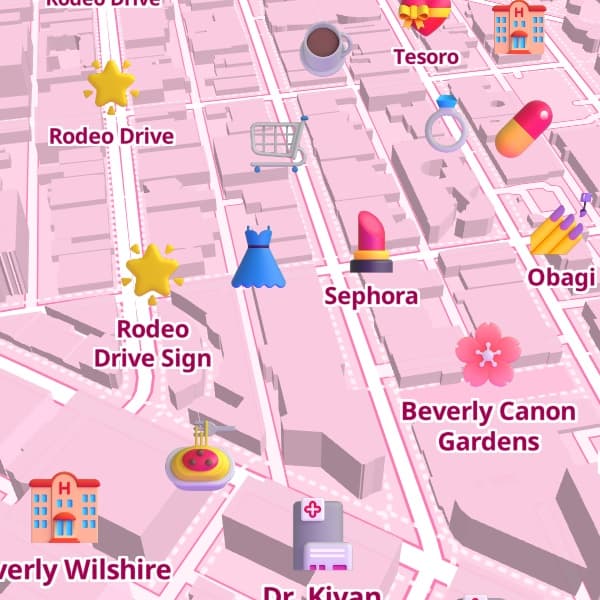
Dollhouse 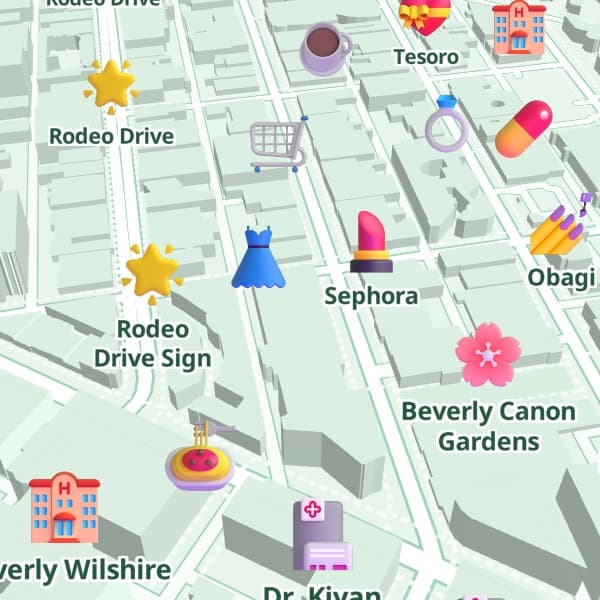
Mint Matcha 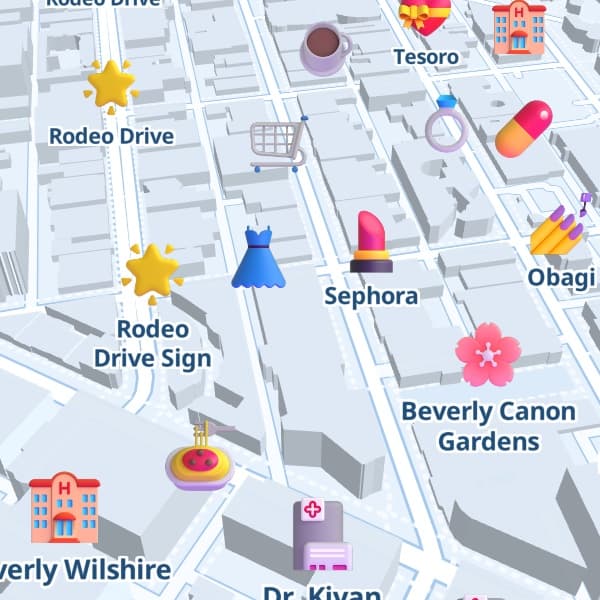
Baby Blue 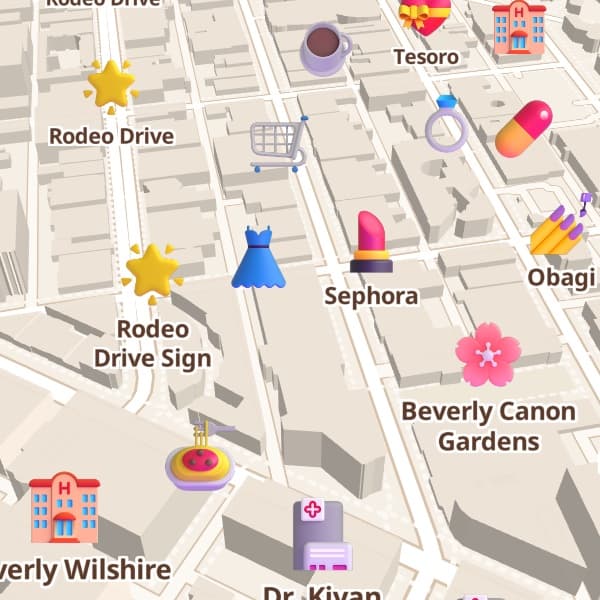
Vanilla Latte 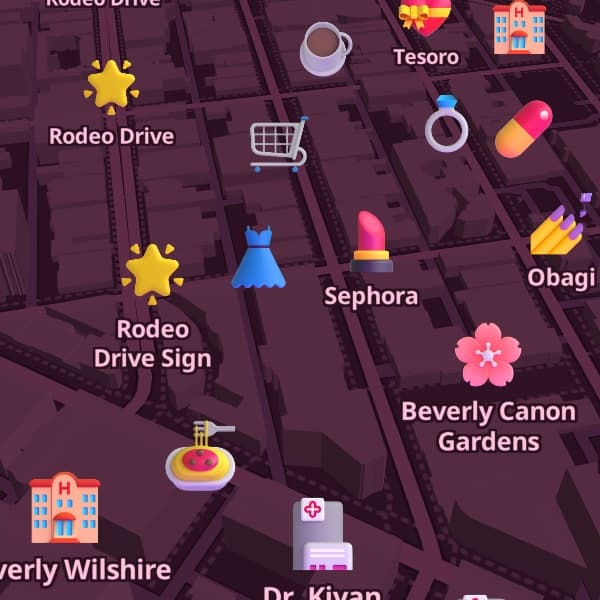
Cherry Night 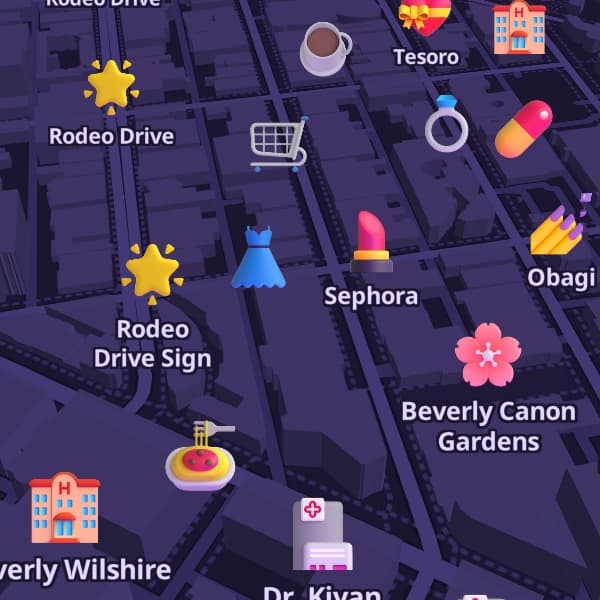
Midnight Glam
Navigation
Directions from your bestie
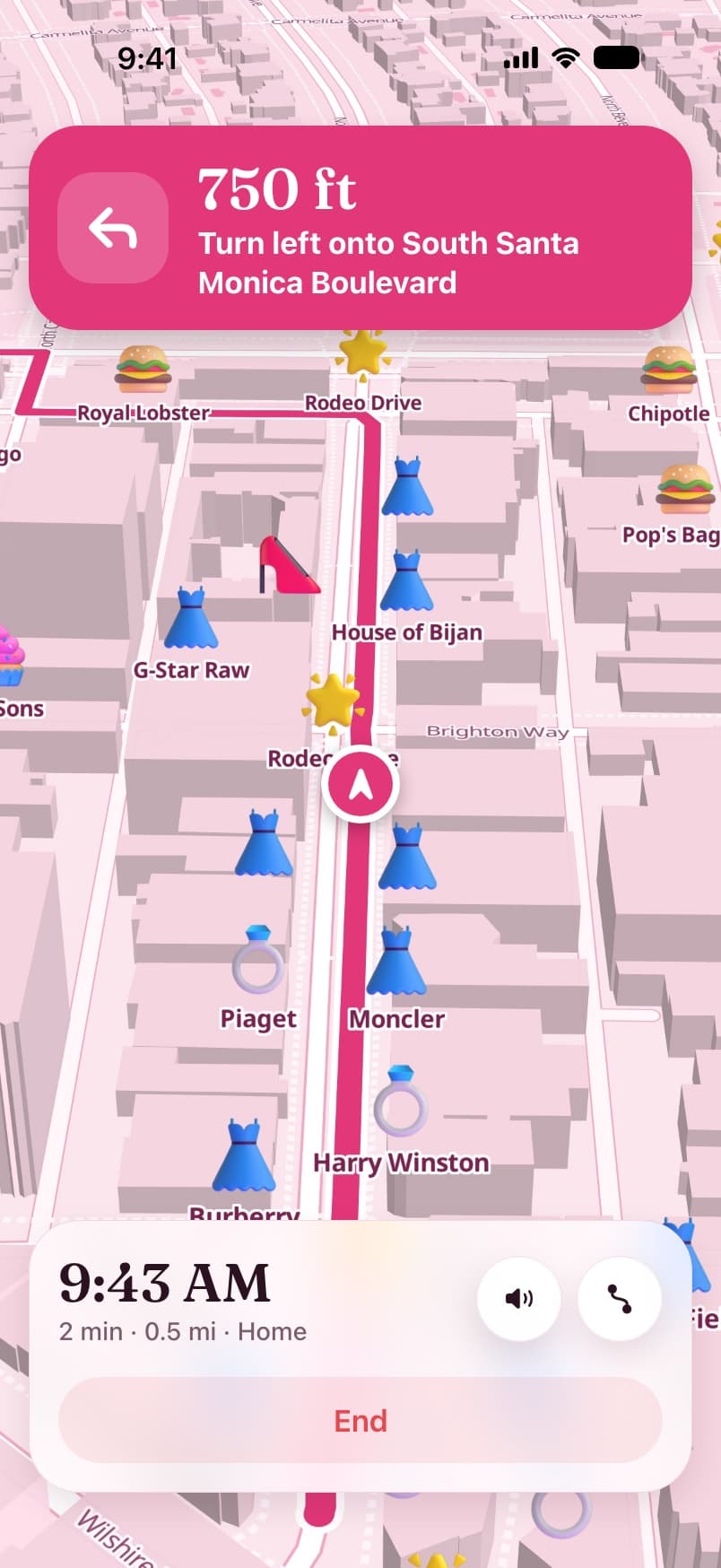
Real turn-by-turn navigation, read out by a voice with personality. Pick who rides with you.

BestiePro
Sweet, supportive, always hyping you up
“Okay bestie, in 200 meters turn left onto Sunset Boulevard. You’ve got this!”
BaddiePro
Sassy, confident, zero patience for wrong turns
“Listen, turn right onto Rodeo Drive. Don’t be shy. Slay.”

BossPro
Calm and direct — gets you there like a CEO
“In half a mile, keep left for the highway. Let’s go.”
PrincessPro
Dreamy and gentle, every drive a fairytale
“Darling, in 100 meters turn right. Your carriage awaits.”
ClassicFree
Just the directions, nothing extra
“In 200 meters, turn left onto Sunset Boulevard.”
- Turn-by-turn directions for driving, walking and cycling
- Your next turn on the Lock Screen and in the Dynamic Island with a Live Activity
- Reroutes by itself when you take a different way
- Keeps guiding with the screen locked, then stops when you arrive
Voices sound prettier with a downloaded iOS voice — here is how to get one.
CarPlay
Made for your car screen
GirlyMaps is a CarPlay navigation app, not just a phone app with a widget. Plug in, and the same pink map is on your dashboard.
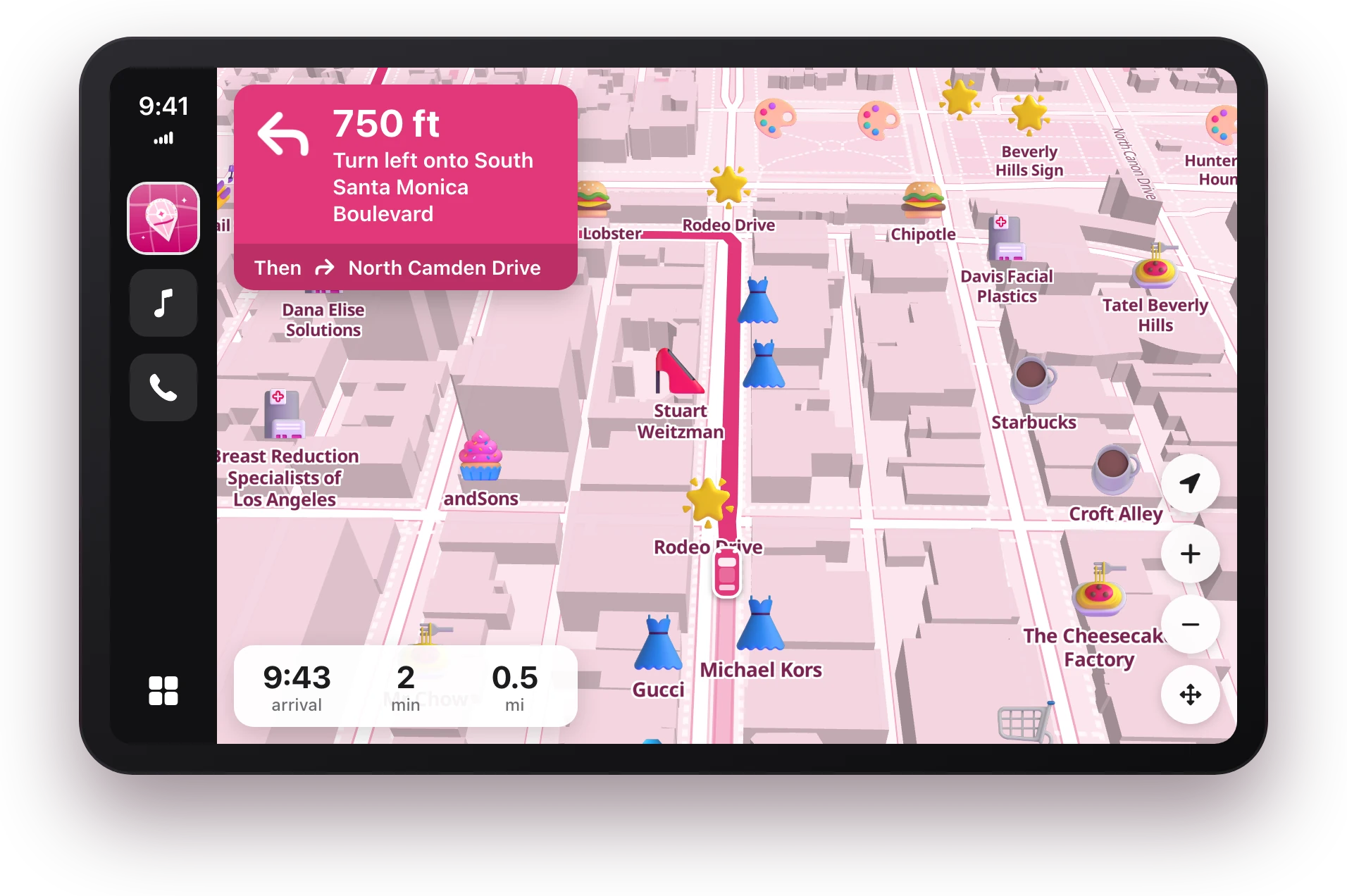
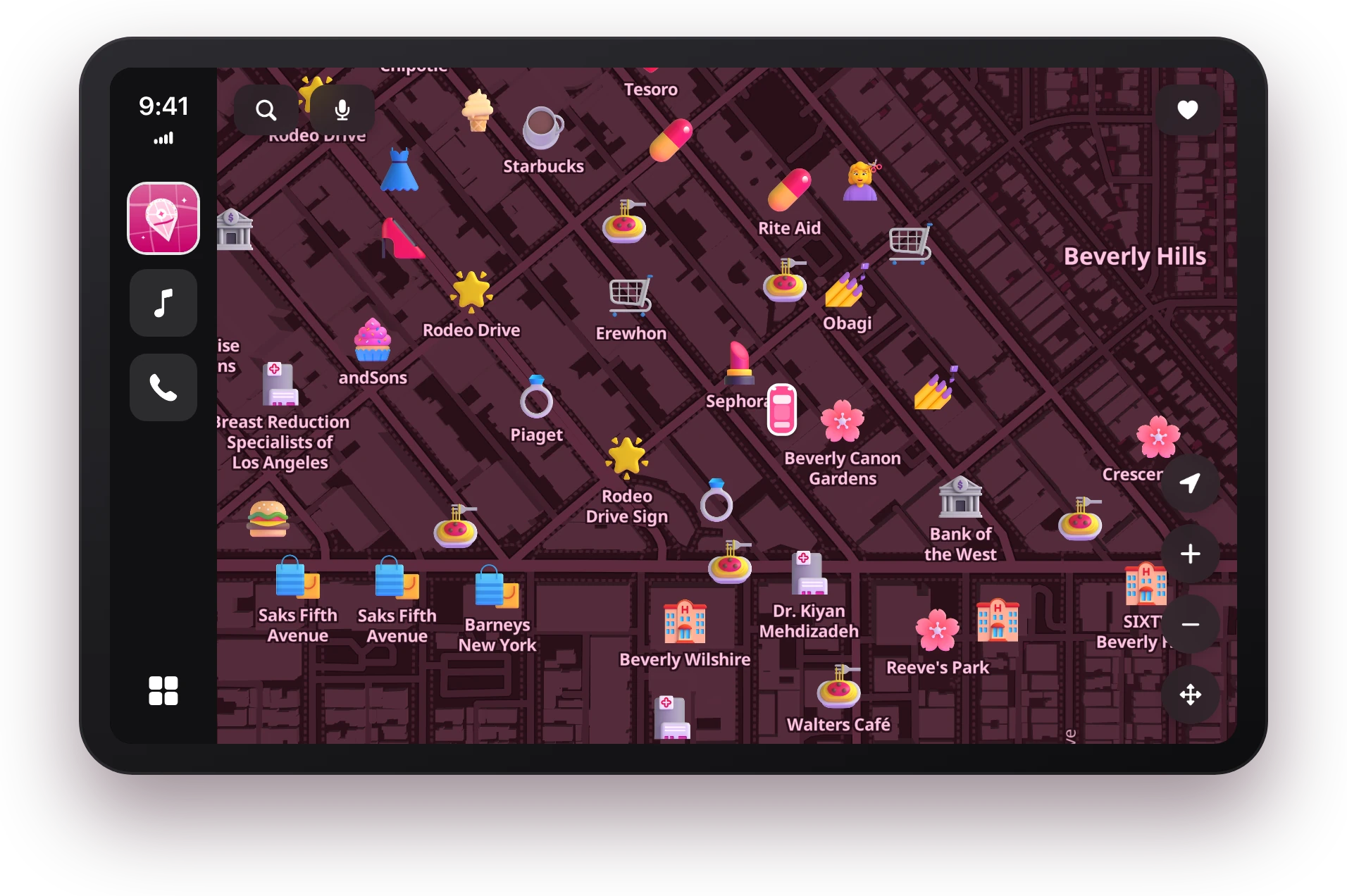
A full navigation app on your car screen
Search places and addresses (or just say them), pick from Home, Work, favorites and recents, preview the route and drive it turn by turn — on the same pink map.
Night mode that stays cute
When CarPlay goes dark, your theme switches to a night version of itself — Pink Princess turns a deep cherry pink — instead of a generic dark grey map.
On the CarPlay Dashboard
GirlyMaps fills the map tile on the Dashboard screen, with shortcuts to Home, Work and “Where to?” when you are not driving anywhere yet.
Widgets on the car screen
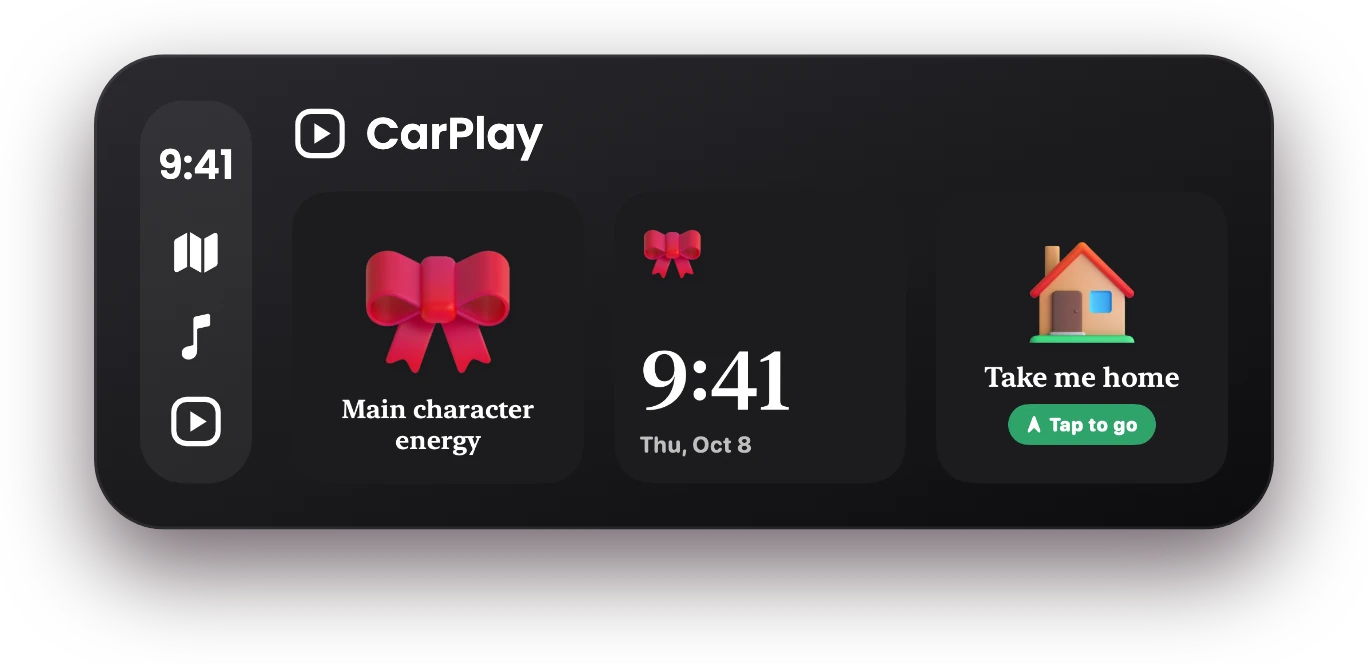
With iOS 26, CarPlay has a widget screen. Put your own GirlyMaps widget there: a sticker, a clock, an affirmation or a “take me home” button.
The car screens above are drawn with GirlyMaps’ own map style and CarPlay controls. CarPlay arranges them to fit your car’s display, so the layout on a wide or tall screen will differ.
Widgets
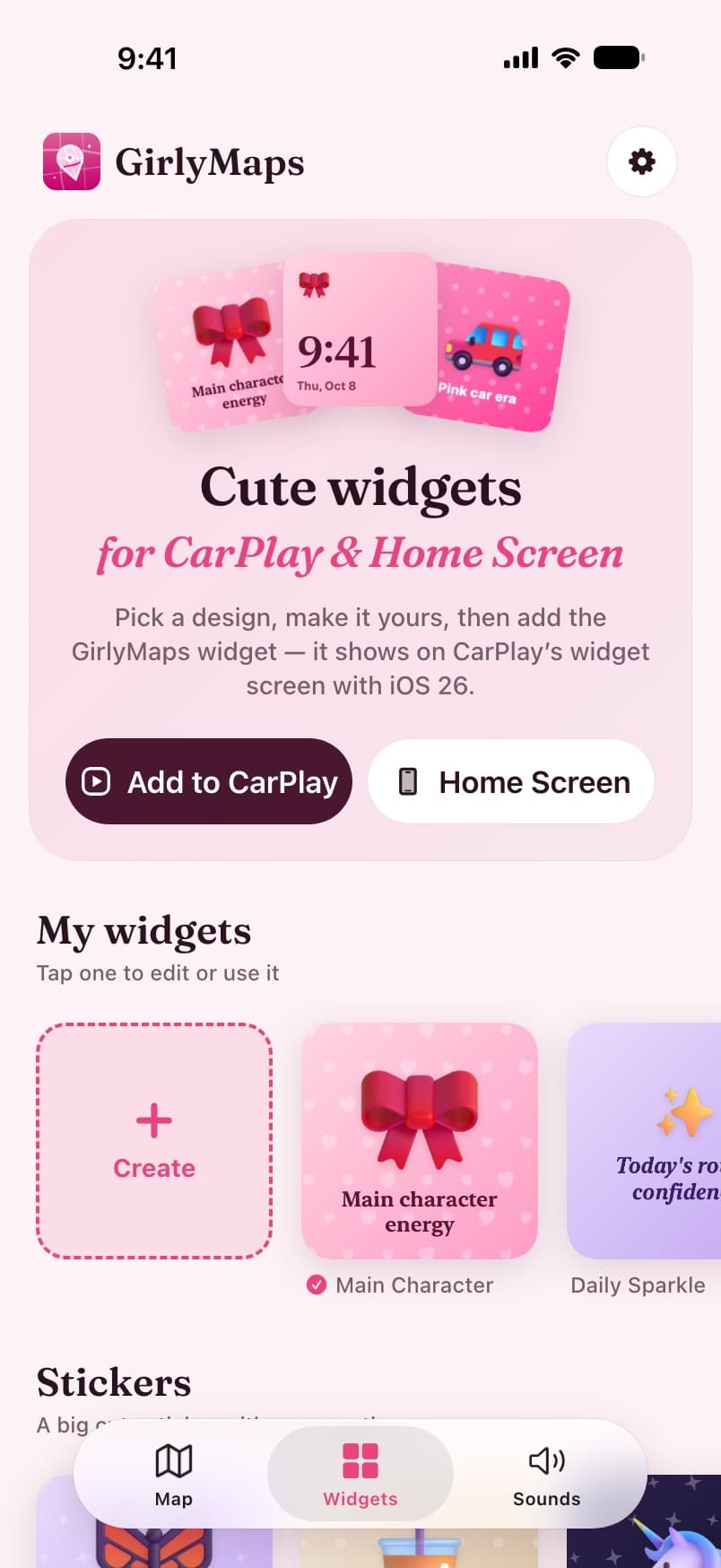
Cute widgets for CarPlay & Home Screen
Pick a ready-made design or make your own: the template, your words, a sticker, colours, a background pattern and a font. The same widget works on your Home Screen, in StandBy and on CarPlay.

Main Character 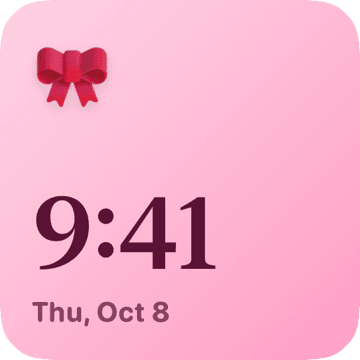
Bow Clock 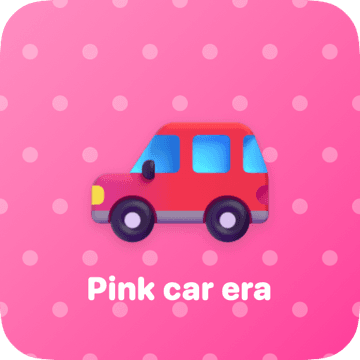
Pink Car Era 
Daily Sparkle 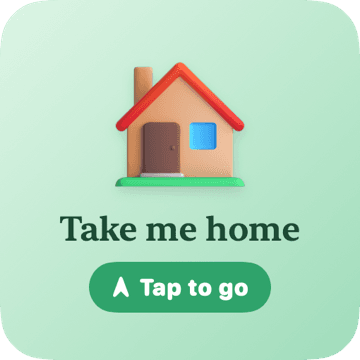
Take Me Home 
Butterflies 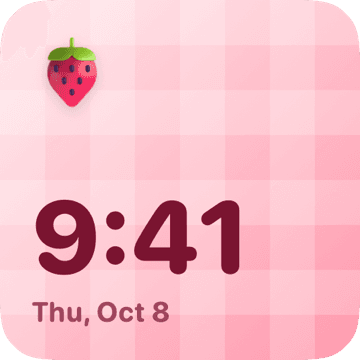
Strawberry Clock 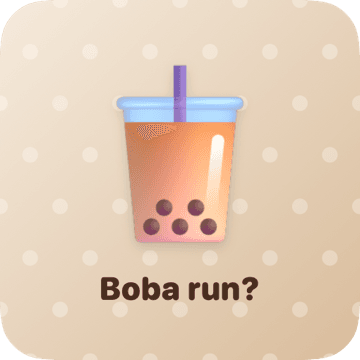
Boba Run 
Heart Notes 
Unicorn 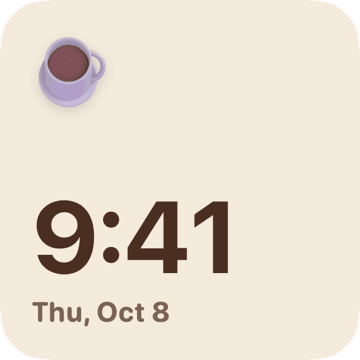
Latte Clock 
Disco
Stickers
A big cute sticker with your own caption.
Clocks
The time and date, dressed up.
Affirmations
A new sweet line four times a day.
Places
One tap to drive to Home, Work or a favorite.
Step by step: CarPlay · Home Screen and StandBy
Car sounds
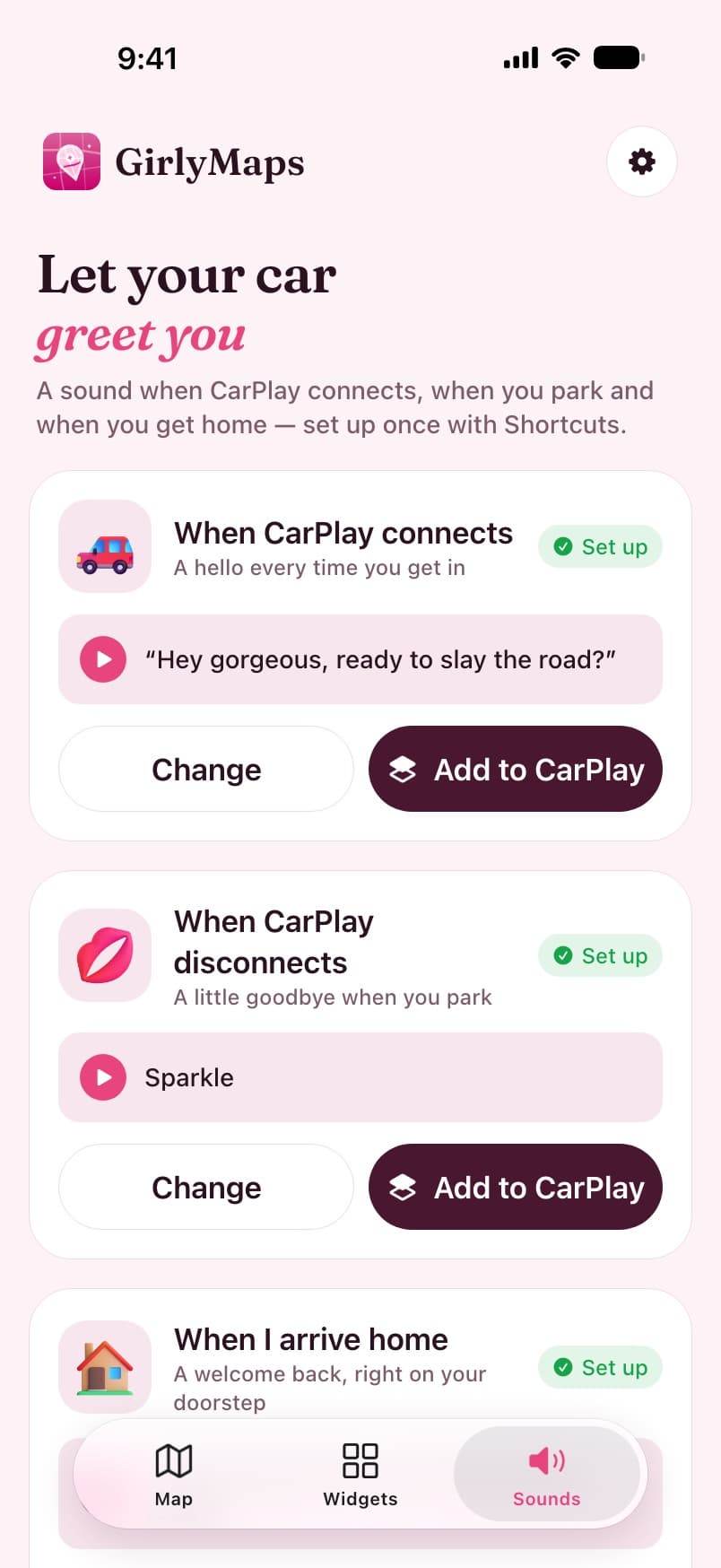
Let your car greet you
A sweet greeting when CarPlay connects, a goodbye when you park and a welcome when you get home. Choose a chime, a spoken line from your favourite voice, or record a greeting in your own voice (up to 15 seconds — it never leaves your iPhone).
When CarPlay connects
A hello every time you get in.
“Hey gorgeous, ready to slay the road?”
When CarPlay disconnects
A little goodbye when you park.
“Bye babe! You parked like a pro.”
When you arrive home
A welcome back, right on your doorstep.
“Home sweet home. You did amazing today!”
It runs on an Apple Shortcuts automation you set up once — the app walks you through it, and so does this guide.
No account
Open it and go. There is nothing to sign up for.
No location history
Your location guides the trip and is not kept afterwards.
Recordings stay put
Your own greetings live on your iPhone and are never uploaded.
Guides
Make your iPhone a little cuter
Step-by-step answers to the things people ask about CarPlay widgets, car greetings, pink maps and prettier navigation voices.
Start here
How to add widgets to CarPlay
The iOS 26 widget screen, step by step: where the setting is, how to add a widget, how to pick its design, and the one tap that saves it.
How to make CarPlay say hello when you get in the car
Your iPhone can play a greeting every time CarPlay connects, a goodbye when you park and a welcome when you get home. It is a Shortcuts automation — here is how to set it up on iOS 27 and on earlier versions, with or without an app.
How to get a pink map on your iPhone
Apple Maps and Google Maps cannot be recoloured, and the screen-tint trick turns your whole phone pink. Here is what actually works for a pink, pastel or girly map — including on CarPlay.
CarPlay widgets not showing? Every fix, in order
No Widgets row in settings, an empty widget screen, a design that will not change or an app missing from the gallery: what each symptom means and how to fix it on iOS 26 and later.
Using GirlyMaps on CarPlay: search, routes and turn-by-turn
Everything GirlyMaps does on your car screen: the themed map and its night look, search by typing or voice, saved places, route previews, turn-by-turn guidance, the Dashboard tile and how trips move between phone and car.
How to add a cute widget to your iPhone Home Screen and StandBy
Put a widget on your Home Screen, choose which design it shows, and add the same widget to StandBy — the bedside view your iPhone shows while it charges on its side.
Pricing
Free to drive, Pro to sparkle
Free
Free
forever
A real map and navigation app, no strings.
- The map, search and saved places
- Unlimited turn-by-turn navigation, on iPhone and CarPlay
- The Classic voice
- 2 map themes: Pink Princess and Lavender Dream
- Ready-made widgets with free stickers, and 1 widget of your own
- Try every Pro theme on the map and hear every voice and sound
Pro Weekly
$4.99
per week
Every Pro feature, week by week.
- All 10 dreamy map themes
- Every bestie voice — Bestie, Baddie, Boss, Princess
- Unlimited widgets and every sticker
- Every car sound, even greetings in your own voice
- No “Free version” label on the map or on CarPlay
- Renews weekly — cancel anytime in your App Store settings
Pro Lifetime
$19.99
one-time payment
Pay once, keep every look, voice and sound.
- All 10 dreamy map themes
- Every bestie voice — Bestie, Baddie, Boss, Princess
- Unlimited widgets and every sticker
- Every car sound, even greetings in your own voice
- No “Free version” label on the map or on CarPlay
- No subscription and no renewals
- Restored on any iPhone with your Apple ID
Full breakdown on the pricing page.
FAQ
Questions, answered
Is GirlyMaps free?
Does GirlyMaps work with CarPlay?
Is it real navigation or just a pink theme?
Can I make Apple Maps or Google Maps pink?
Which iPhones does it run on?
Does GirlyMaps track where I go?
More in the full FAQ.
Where to, gorgeous?
Download GirlyMaps free and turn your next drive pink. Pro is there whenever you want every theme, voice and sound.
Made for iPhone and CarPlay